
How Posty works
Posty is a writing companion, not an autoposter. It studies how your account already sounds, proposes what to post, writes the caption, and then stops — publishing is yours.
The whole flow, start to finish
-
1
Sign in and connect Instagram
Sign in with Apple and you can start straight away. Connecting your Instagram profile lets Posty read your existing posts, learn how you write, and draft a short brief about your business for you to check — the difference between generic suggestions and ones that sound like your account.
-
2
Pick an idea, or type your own
Posty puts a mix of tailored post ideas on the home screen — something useful, behind the scenes, what's new. Choose one and it becomes a full caption with hashtags. If you already know what you want to say, type it in and Posty writes it up in your voice.
-
3
Adjust it, then post it yourself
Make it shorter, longer, funnier, more personal or more businesslike in a tap. Add a photo or generate an image. When you are happy, share it to Instagram — that last step is always yours. Not ready yet? It waits in your drafts.
What "learns your voice" actually means
When you connect a profile, Posty reads the posts already on it: the length you tend to write, the subjects you return to, whether you use hashtags heavily or barely, how formal you are. Suggestions are generated against that picture rather than against a generic idea of what an Instagram post looks like.
That is why the ideas differ so much between accounts. A parenting account and a spice shop get different subjects, different sentence lengths and a different register — because their existing posts differ.
Posts cannot say what is true this month, so Posty also keeps a short brief about your business. It drafts one from your captions — what you do and who it is for — and asks you to fix anything that is off and add what is going on right now: an offer, a season, new opening hours. Every suggestion and caption is written with it in mind.
The ideas also come as a mix. Each one is labelled as something useful, behind the scenes, what's new, proof or personal, and once you share a post from a suggestion, the next set leans towards the kinds you have not posted lately.
Making a caption yours
Every generated caption can be pushed in a direction without rewriting it. The controls are one tap each:
- Shorter
- Longer
- Funnier
- Engaging
- Formal
- Personal
- Business
- Creative
- Inspiring
You can also edit the text directly. Nothing is locked, and nothing is sent anywhere when you change it.
Keeping it going
Every post is saved as a draft on your phone while you work on it, photos included. Get interrupted and it waits on the home screen, so twenty minutes on a Sunday can cover the week.
Reminders go out on the days and at the time you pick. Switch on “Arrive with a post ready” and Posty writes the caption before the notification comes, so tapping it opens a finished post: add a photo and share. Each ready post uses one from your weekly allowance, and when that runs out you get a plain nudge instead.
The impact screen then shows whether you are keeping it up — weeks posting in a row, your last post, your best run — alongside how the posts are doing.
Images, if you want them
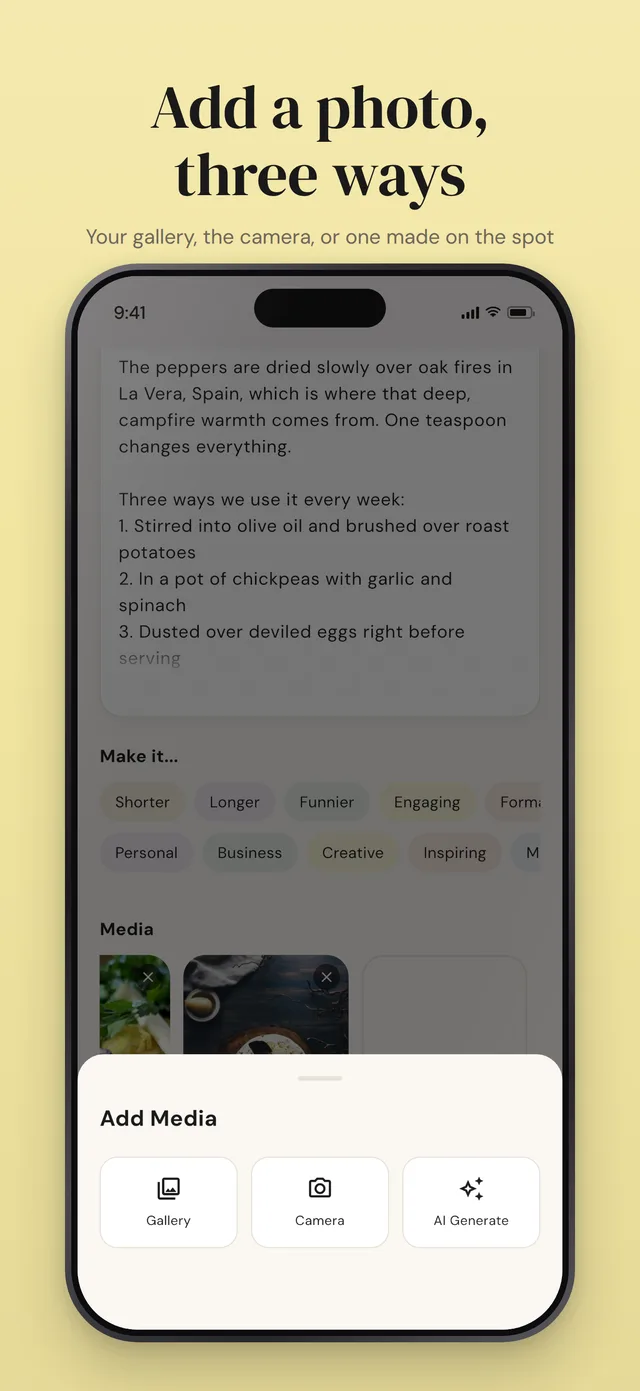
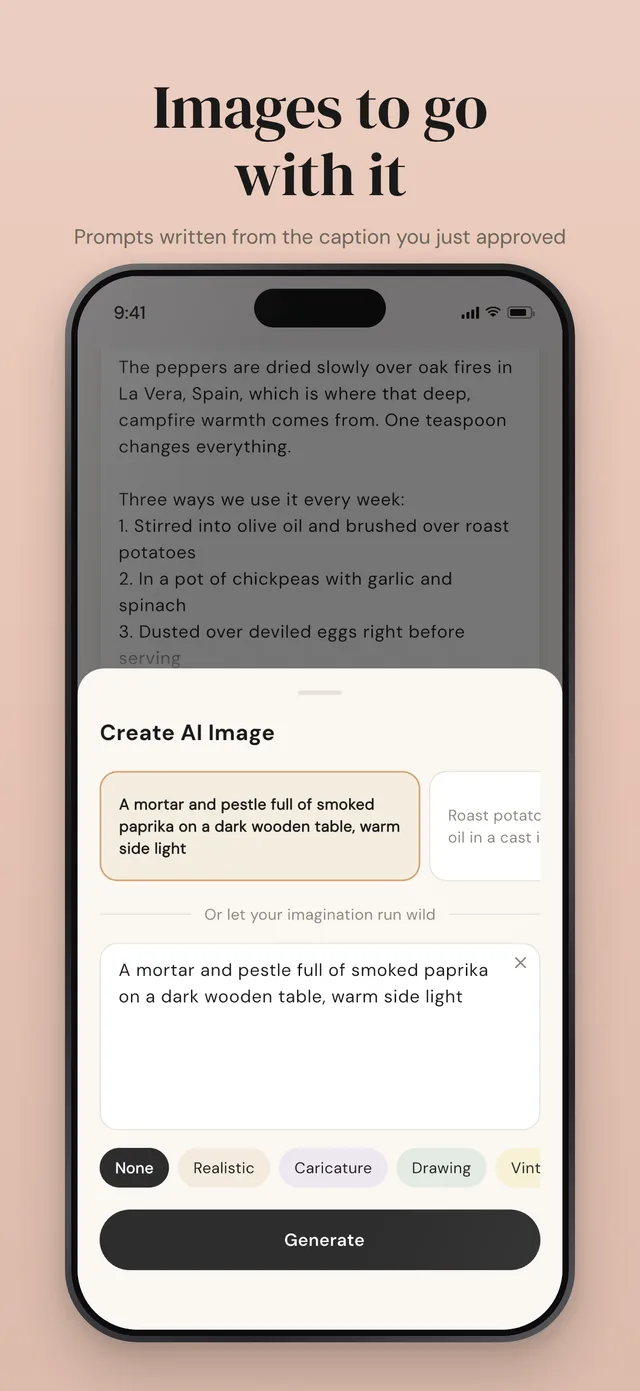
Attach a photo from your gallery, take one with the camera, or describe an image and let Posty generate it in the style you pick — realistic, drawing, caricature, vintage and others. Generated images are yours to use or discard like any other suggestion.
The step Posty will not take
Posty never publishes to your account. When a caption is ready it hands it to you, and you share it to Instagram yourself — including the one a reminder brings. This is deliberate: your account's voice is worth more than the few seconds automation would save, and an autoposter that gets one post wrong costs more than it ever gave back.
Try it on your own account
Posty is free to download, and you can generate your first caption before connecting anything.
Free to download. Posty never posts to your account.